
In case you missed it, a few weeks ago I submitted guest post to the Worquick blog, talking about using Python, Jupyter Notebook, and the sympy mechanics module for dynamics simulation. This is, of course, closely related to content I have posted on my own site. The guest blog parallels a pair of Jupyter notebooks, the first a tutorial for a simple pendulum, the second discussing advanced methods. As I generated that post, I found myself creating a fair amount of graphical content, much of which I am somewhat proud of, and thought I would highlight here.
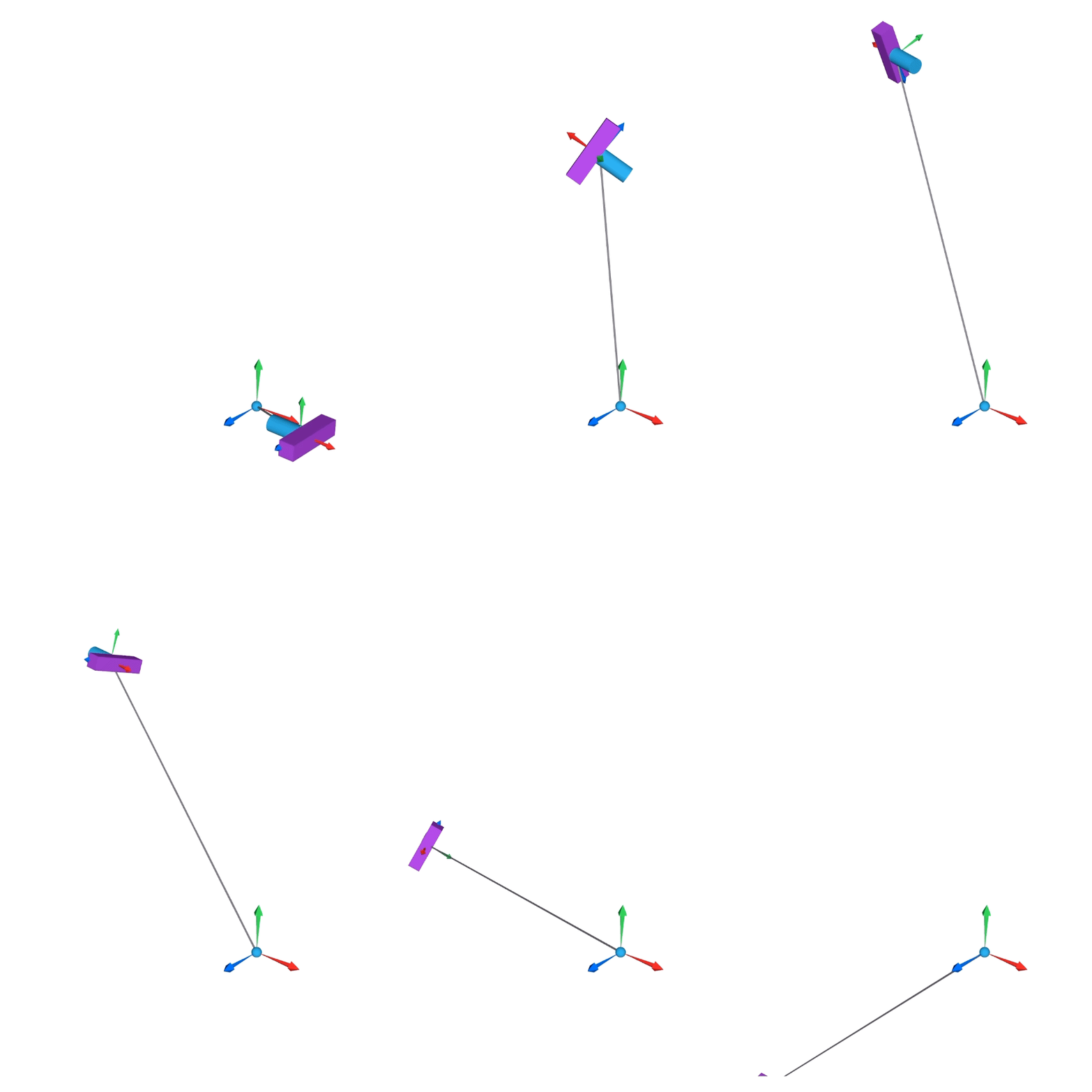


Simple Pendulum
I created the video that I have linked below to demonstrate the pendulum simulations that are the subject of the first tutorial. The interesting attribute for such a simple simulation was the sensitivity to minute changes in initial conditions, in this case at around 7.65 rad/sec initial velocity; anything higher, and the pendulum flips over to complete a full rotation, anything lower and it falls back and oscillates.
This behavior is also evident in the plots below, which I created by sweeping the initial velocities in the python simulation, using very minute increments. With a plotting colormap, very interesting patterns begin to emerge.


6DoF
My advanced tutorial involved including 3D rotational and translational motion, or in other words, six-degree-of-freedom (6DoF) modeling. One of the great engineering/physics videos online is of a NASA astronaut spinning a T-wrench on the space station, with it proceeding to flip back and forth due to an inherent instability about its intermediate axis. This is a fundamentally challenging problem, one that took many lines of code to analyze in the Jupyter notebook. If you know what you’re doing though, you can build this model in about two minutes in Mobile Multibody Dynamics (MOMDYN).
Diagrams
I used a few different software applications to generate the engineering diagrams included in the blogs. The simple 2D diagrams were generated with Inkscape to create vector graphics and add text annotations. The 3D graphic that accompanied the 6DoF model was created in Blender, including an airplane that was sculpted from scratch starting from a cube, followed by extrusions, smoothing, shading, etc.


Mobile Multibody Dynamics
You may have notice a common thread, which is that I’ve used my own app, MOMDYN, to generate many of the graphics and animations in the post. Besides just patting myself on the back for creating a cool app, I genuinely believe that this is one of the easiest ways to create educational mechanical engineering content, and set them in motion. Plus, its completely free!


Summary
In conclusion, I take pride in the educational content I generated for the Worquick blog, and hope it will be of use to mechanical engineers who want to dip their toes into Python. I also was happy to take the time to generate several interesting graphics, using various software applications including Inkscape, Blender, and my own Mobile Multibody Dynamics. If you happen to be interested in the latter, please download, and if you like it leave a review! If you don’t like it, no harm done, in that case you can write me a suggestion on what I may improve.